
Spiro Designs
App Store ID 1308112646 · Inno Wheel LLC
Not currently in Zing's Top 100
About
Spiro Designs draws the patterns a small circle makes as it rolls around the inside of a large one. Stamp circles or polygons at every step, or let a single point leave a spirograph trail, then play with size, spacing, colour and blend mode until something beautiful appears.
WHAT YOU CAN DO
• Pick a shape: circles, a line, triangles, squares, all the way up to decagons, or a classic spirograph curve
• Pinch the drawing to change size, drag sideways to change spacing, drag up and down for line weight
• Choose fill, outline or both, with 23 named colours or random colours on every change
• Combine overlapping colours with 20 blend modes, from Difference and Exclusion to Screen and Multiply
• Even-odd fill turns overlapping shapes into lace and checkerboard patterns
• Start from twelve curated presets, or roll a random design with one tap
• Animate the design being drawn, and tap for a clean full-screen view
• Undo and redo every change
• Keep up to 50 named designs and reopen, update or rename them
• Share as a high-resolution PNG, save to Photos, or export an SVG vector file for design apps, plotters and cutters
No account, no ads, no tracking. Your designs stay on your device.
Screenshots
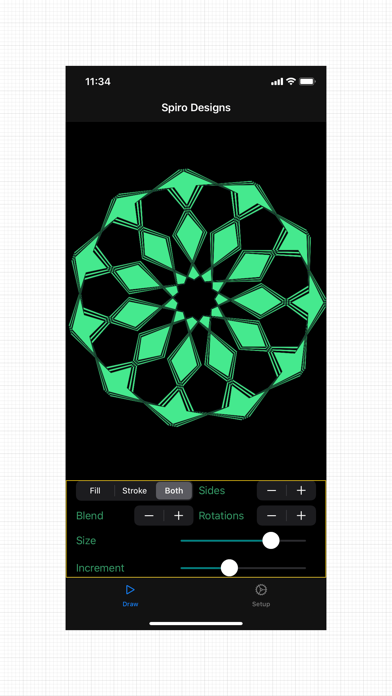
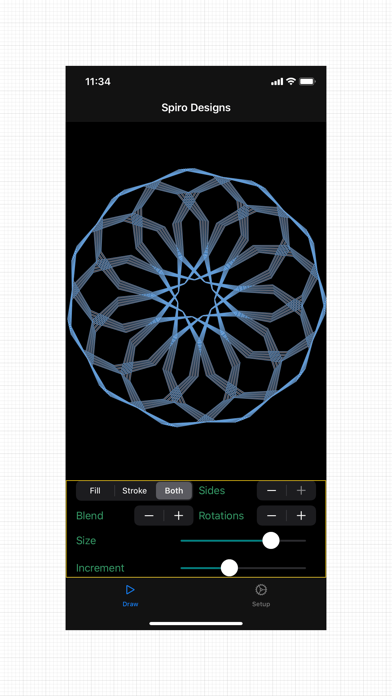
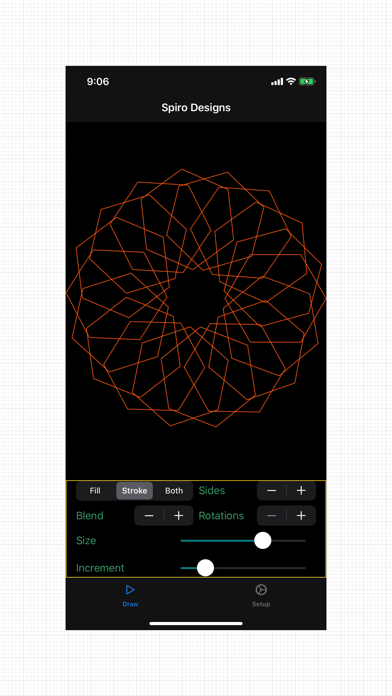
This app isn't currently charting in Zing's tracked Top 100 — showing a live snapshot from the App Store instead. Browse current charts →