
📱 App Store Intelligence
Google Authenticator
Google · Utilities
Rating
4.9 ★
1.2M ratings
Price
Free
US storefront
Size
38.0 MB
v5.1.0
Age Rating
4+
32 languages
Categories
Utilities
Daily chart position by storefront
Top Free (Apps)
Tracking since 30 Jun 2026 · lower is better · hover a point for the exact date and rank
Description
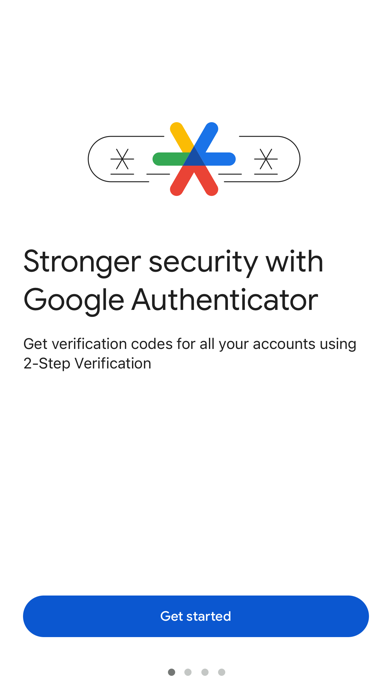
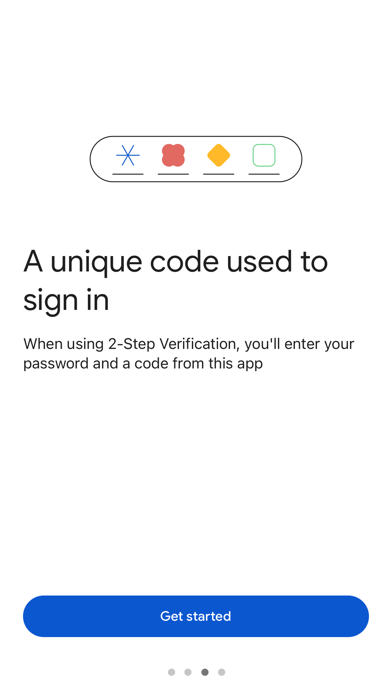
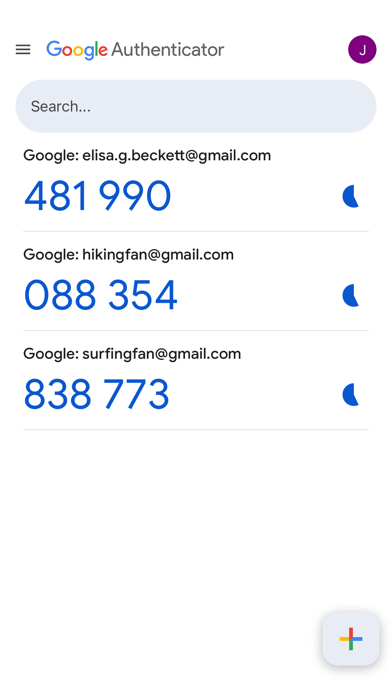
Google Authenticator adds an extra layer of security to your online accounts by adding a second step of verification when you sign in. This means that in addition to your password, you'll also need to enter a code that is generated by the Google Authenticator app on your phone.
The verification code can be generated by the Google Authenticator app on your phone, even if you don't have a network or cellular connection.
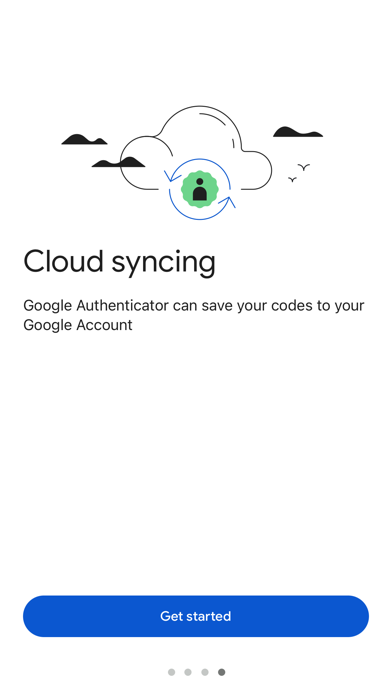
• Sync your Authenticator codes to your Google Account and across your devices. This way, you can always access them even if you lose your phone.
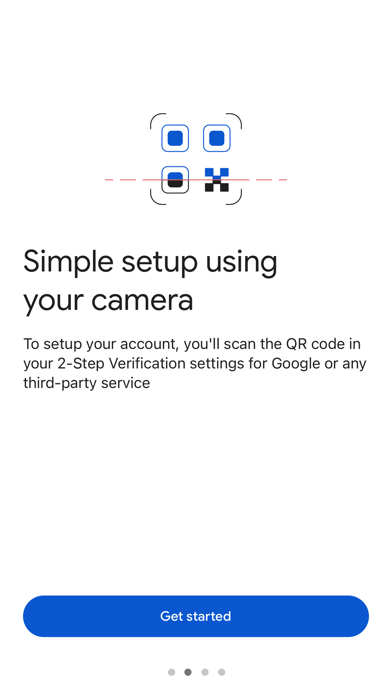
• Set up your Authenticator accounts automatically with a QR code. This is quick and easy, and it helps to ensure that your codes are set up correctly.
• Support for multiple accounts. You can use the Authenticator app to manage multiple accounts, so you don't have to switch between apps every time you need to sign in.
• Support for time-based and counter-based code generation. You can choose the type of code generation that best suits your needs.
• Transfer accounts between devices with a QR code. This is a convenient way to move your accounts to a new device.
To use Google Authenticator with Google, you need to enable 2-Step Verification on your Google Account. To get started visit http://www.google.com/2step
The verification code can be generated by the Google Authenticator app on your phone, even if you don't have a network or cellular connection.
• Sync your Authenticator codes to your Google Account and across your devices. This way, you can always access them even if you lose your phone.
• Set up your Authenticator accounts automatically with a QR code. This is quick and easy, and it helps to ensure that your codes are set up correctly.
• Support for multiple accounts. You can use the Authenticator app to manage multiple accounts, so you don't have to switch between apps every time you need to sign in.
• Support for time-based and counter-based code generation. You can choose the type of code generation that best suits your needs.
• Transfer accounts between devices with a QR code. This is a convenient way to move your accounts to a new device.
To use Google Authenticator with Google, you need to enable 2-Step Verification on your Google Account. To get started visit http://www.google.com/2step
Screenshots
Recent reviews (US)
Rating
Show
★★★★★
15 Oct 2026
Top Tier
Easy, reliable, and fast!
★★★★★
15 Oct 2026
The Best
I Love anything from Google
★★★★★
15 Oct 2026
Bit bucket
Hello
★★★☆☆
14 Oct 2026
Keeping accounts safe
Yeah google authenticator BETTER be good. Considering this is essentially the only protection they offer. And if someone steals your shi well gg. Thankfully i havent lost my accounts but essentially everyone i know has lost there accounts at least once. Either to hackers or lost information.
Using it for a couple of years and yeah i haven’t been a target of anything malicious. Just protect your passwords by changing them 2 times a year and stay safe online.
Using it for a couple of years and yeah i haven’t been a target of anything malicious. Just protect your passwords by changing them 2 times a year and stay safe online.
★★★★★
14 Oct 2026
Saved by the Authenticator
This is a life saver especially when people are constantly trying to hack into your accounts!
Chart presence — 31 Top 100 positions
| Storefront | Category | Chart | Rank |
|---|---|---|---|
| Japan | Apps | Top Free | #7 |
| Ireland | Apps | Top Free | #22 |
| Netherlands | Apps | Top Free | #37 |
| New Zealand | Apps | Top Free | #43 |
| Germany | Apps | Top Free | #45 |
| Australia | Apps | Top Free | #48 |
| Slovakia | Apps | Top Free | #51 |
| Lithuania | Apps | Top Free | #53 |
| Indonesia | Apps | Top Free | #61 |
| Canada | Apps | Top Free | #62 |
| France | Apps | Top Free | #67 |
| Hungary | Apps | Top Free | #67 |
| United Kingdom | Apps | Top Free | #68 |
| Ukraine | Apps | Top Free | #69 |
| Italy | Apps | Top Free | #73 |
| Malaysia | Apps | Top Free | #73 |
| Hong Kong | Apps | Top Free | #76 |
| Pakistan | Apps | Top Free | #76 |
| Switzerland | Apps | Top Free | #78 |
| Latvia | Apps | Top Free | #80 |
| South Korea | Apps | Top Free | #81 |
| Nigeria | Apps | Top Free | #81 |
| Thailand | Apps | Top Free | #81 |
| Argentina | Apps | Top Free | #83 |
| Austria | Apps | Top Free | #84 |
| Poland | Apps | Top Free | #85 |
| Belgium | Apps | Top Free | #93 |
| Singapore | Apps | Top Free | #93 |
| United States | Apps | Top Free | #94 |
| Spain | Apps | Top Free | #95 |
| Colombia | Apps | Top Free | #96 |
Ratings by country — 31 storefronts
| Storefront | Rating | Rating Count | Price |
|---|---|---|---|
| United States | 4.9 ★ | 1.2M | Free |
| Australia | 4.8 ★ | 178k | Free |
| United Kingdom | 4.8 ★ | 172k | Free |
| Japan | 4.7 ★ | 165k | Free |
| Germany | 4.8 ★ | 163k | Free |
| Canada | 4.8 ★ | 159k | Free |
| Thailand | 4.9 ★ | 128k | Free |
| France | 4.8 ★ | 97k | Free |
| Indonesia | 4.9 ★ | 89k | Free |
| Netherlands | 4.7 ★ | 84k | Free |
| Ukraine | 4.9 ★ | 73k | Free |
| South Korea | 4.9 ★ | 67k | Free |
| Italy | 4.8 ★ | 67k | Free |
| Argentina | 4.9 ★ | 62k | Free |
| Spain | 4.8 ★ | 61k | Free |
| Nigeria | 4.7 ★ | 61k | Free |
| Colombia | 4.9 ★ | 56k | Free |
| Hong Kong | 4.9 ★ | 41k | Free |
| Poland | 4.9 ★ | 38k | Free |
| Switzerland | 4.8 ★ | 35k | Free |
| Malaysia | 4.9 ★ | 31k | Free |
| Belgium | 4.8 ★ | 29k | Free |
| Hungary | 4.9 ★ | 27k | Free |
| Pakistan | 4.8 ★ | 25k | Free |
| Singapore | 4.9 ★ | 25k | Free |
| New Zealand | 4.8 ★ | 22k | Free |
| Austria | 4.8 ★ | 18k | Free |
| Ireland | 4.8 ★ | 13k | Free |
| Slovakia | 4.9 ★ | 8k | Free |
| Lithuania | 4.9 ★ | 7k | Free |
| Latvia | 4.9 ★ | 6k | Free |
Details
App Store data shown here is sourced from Apple's public iTunes RSS chart feeds and the iTunes Lookup API, collected by Zing at regular intervals. Figures may differ from Apple's internal App Store Connect analytics. Reviews are sourced from Apple's public customer-reviews feed (US storefront, most recent first).
Explore App Store Intelligence